Voice alerts
Sound, a voice that reads the message and your style: colour, entrance and time on screen. Above the amount you pick, the epic alert.
CRYPTO DONATIONS FOR LIVE CREATORS / PREVIEW
Crypto donations straight to your wallet, with an alert in OBS. No platform balance, no chargebacks.
Connecting to the Sui network…
Real blockchain data, read live from Sui.
02 / FROM THE PHONE TO THE STREAM
A visual simulation: signature → verification → OBS. Playback speed is illustrative, not blockchain settlement time.
The viewer reviews the destination and fee, then authorizes the donation in their wallet.
The backend checks the transaction before recording the donation. Your funds go to your own wallet.
A verified donation becomes an alert. If OBS disconnects, the queue waits for it to return.
EXAMPLE · 3D SIMULATION · NO FUNDS MOVE
START_HERE / 01—04
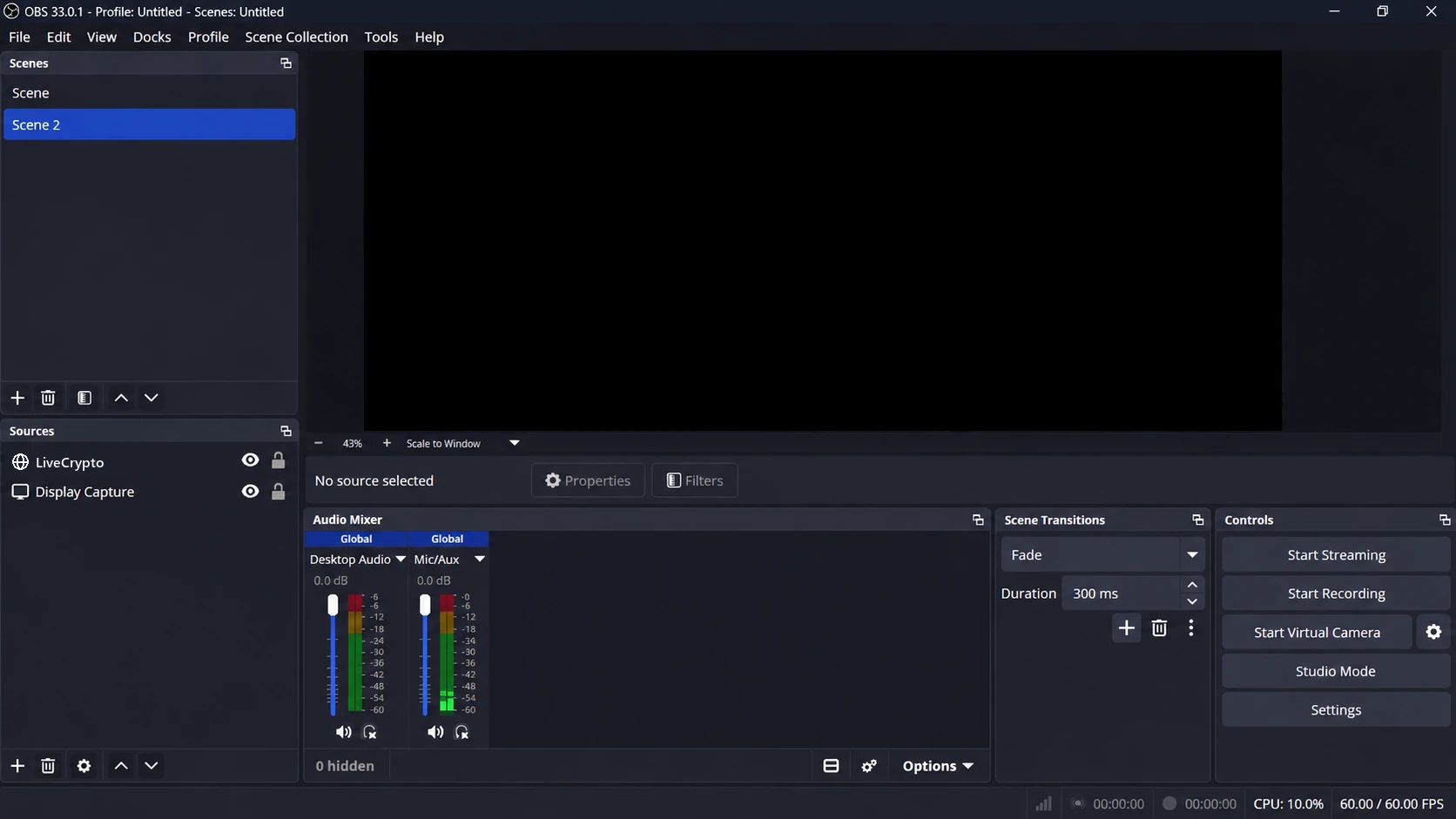
Connect a wallet, choose where to receive support, and add LiveCrypto to OBS. Follow the steps below.
Authenticate with a wallet signature.
Wallet sign-inSave a destination for the selected network.
Review your receiving walletCopy your private URL and test it in OBS.
Install the browser sourceShare the public donation link, never the overlay link.
Share your checkout04 / BUILT TO BE ON SCREEN
One browser source. Your colors, your sound, your community in the spotlight. Try the alert below.
Local demonstration. No funds move, no wallet is accessed and no alert is sent to a real stream.
05 / LIVE TOOLS
Voice alerts, goal, subathon, paid poll, ranking, ticker and moderation: the OBS sources you already know, with every donation going straight to your wallet. EXAMPLE
Sound, a voice that reads the message and your style: colour, entrance and time on screen. Above the amount you pick, the epic alert.
The goal bar fills with confirmed donations, at their R$ value when they arrived.
Every donation adds time to the clock. Pause, extend or stop it from the Studio.
Chat votes by donating and the bars move on screen. The donation alert says which option it chose.
Top supporters of the goal or the month, and the latest ones scrolling along the bottom.
Slurs and links are hidden. If you want, every alert waits for your approval.
Missed one? Replay it from the donation list, without counting it twice.
Viewers point their phone camera and land on your donation page.
LESS DISTANCE. MORE CONNECTION.
Receive in your own wallet. A transparent flow without a balance held by the platform.
Your theme, your sound, your moment. Alerts, media and controls that fit your stream.
Network, fee and destination visible before signing. Verification before a donation is recorded.
SECURITY / YOUR KEYS
LiveCrypto never asks for a seed phrase or private key. Signing in proves the wallet is yours and moves no funds.
The server checks each payment on-chain against an intent it created before the wallet opened.
Money goes from the viewer's wallet to yours in one transaction. There is no platform balance.
MULTICHAIN, ONE STEP AT A TIME
Polygon Amoy and Base Sepolia first. Native routing with a contract-based fee split.
INTEGRATION / TESTNETSOL on Devnet. Atomic creator and treasury transfers, verified by the backend.
INTEGRATION / DEVNETSUI on Testnet. A Move router splits creator and treasury atomically, verified by the backend.
INTEGRATION / TESTNETStablecoins, Bitcoin, Lightning and local payments. Availability follows validation.
ROADMAPBEFORE YOU GO LIVE
This is a development preview. Payments start disabled. Only configured networks with a registered creator wallet can be enabled. Testnet validation comes before a public launch.
No. Use an OBS browser source. Copy the private link from your dashboard, add the source and test an alert. Keep that link private.
Voice alerts, a goal bar, a subathon timer that donations extend, a paid poll, the supporters ranking, a donation ticker and a QR code, each as its own OBS browser source if you want. Moderation, an approval queue and replaying an alert are in the Creator Studio.
The proposed flow sends funds to the creator’s wallet and the fee to the treasury. You retain custody; contracts and integrations must be validated before production use.
Native coins (ETH or POL on selected EVM networks, SOL and SUI) and USDC, on the networks the operator enables. Each rail is switched on only after its router and treasury are configured; Sui uses its own Move router. Bitcoin/Lightning and local payments are planned expansions, each requiring its own verification.
The backend waits for the required blockchain confirmations, then records the donation and publishes an alert. Timing depends on the network and infrastructure; settlement is not promised to be instant.
The proposed initial fee is 2% per routed donation, plus the network fee shown by your wallet. The checkout displays the platform fee and creator’s net amount before signing.
YOUR NEXT MOMENT STARTS WITH YOU
Product preview · public launch in preparation